

Faces
Detects faces as small as 1% of the image — perfect for crowds, avatars, and group shots.
DefaultPixelate
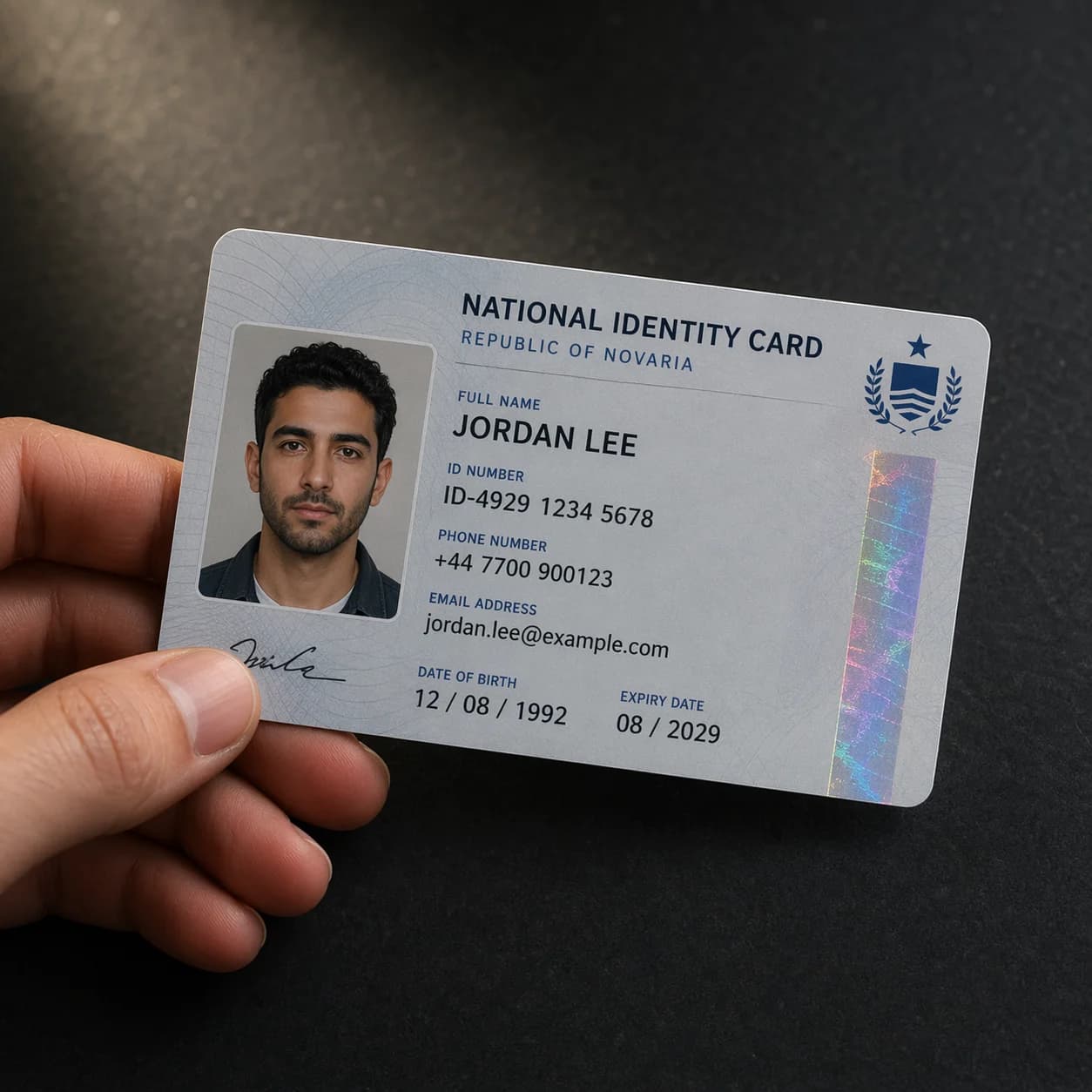
On-device AI finds faces, cards, emails, phone numbers and money in your photos — and blurs them in one tap.
No learning curve. No setup. Just open, blur, share.
 01
01Import
Snap a photo, pick from your library, or share into Fuzzly from any app.
 02
02Detect
On-device AI scans for faces and 5 kinds of personal info in seconds.
 03
03Review
Tap regions on the canvas to toggle, resize, or fine-tune.
 04
04Blur
Pick Gaussian, Redact, or Pixelate — with smart defaults per category.
 05
05Share
Export to Photos, Files, Messages, or anywhere — metadata stripped.
Powered by Google ML Kit running fully on your device. We pair raw detection with validation — Luhn for cards, regex + libphonenumber for phone numbers, currency-symbol matching — to cut false positives.
Faces
Detects faces as small as 1% of the image — perfect for crowds, avatars, and group shots.

Text
Catches anything else readable in the image as a catch-all fallback.

Email addresses
Validated to skip false matches — only real email patterns are flagged.

Phone numbers
International formats validated with libphonenumber checks.

Credit cards
Luhn-checked so totals and order numbers don't trigger false positives.

Currency & amounts
Detects $, €, £, ¥, ₹, EGP, and more with amount parsing.
Toggle any category on or off in Settings — faces only? Text only? Your call.
Fuzzly never uploads your photos. There's no server, no account, no analytics inside the app. Detection runs on your phone using on-device ML models. We literally cannot see your images, because we never receive them.
On-device AI
Google ML Kit runs locally. No network calls. Works in airplane mode.
No uploads, ever
Your images stay on your device. Period.
Metadata stripped
EXIF data — including GPS — is removed from every export automatically.
No account needed
No sign-up, no email, no telemetry tied to you.
0
Photos uploaded
0
Network calls
100%
On-device
Pick the right tool for the job. Faces look natural pixelated. Text and numbers are most secure redacted — Gaussian blur on text can be reversed by ML. Choose per region.
Detection is free forever. Pro unlocks power tools and clean exports.
Free
ForeverEverything you need to stay private.
"Protected by Fuzzly" watermark on exports
Pro
Most PopularFor power users and professionals.
Monthly, annual, or one-time lifetime — pricing shown in the App Store for your region.
Subscriptions managed through the App Store. Cancel anytime.
One short email when something worth your time ships. No marketing, no weekly digests — just the stuff you’d actually want to know.
Have feedback or an idea?
hello@fuzzly.xyzEverything you might want to know before downloading.
Still curious? Email us — we reply.
Never. All detection and blurring happens on your device using Google ML Kit. There is no server. Your images, the text inside them, and any detected faces are never sent anywhere.
Download Fuzzly free. Pro is optional. Privacy is not.
Free forever tier · No account required · Android soon